Time Zone Map
— scheduling across time zones made easyWhat time is it in...? AboutTime Zones Map
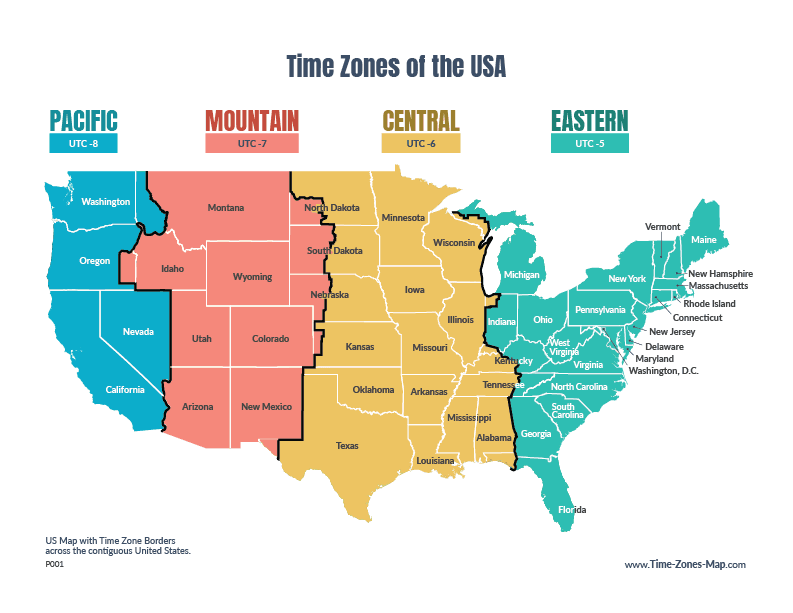
The United States has four time zones across the contiguous states and a total of nine time zones across states and territories. This can make coordinating across the US challenging. If you're in customer service, freight dispatching, or just a really considerate friend who wants to make sure they're not calling in an importune time, Time Zones Map aims to make time easy—without having to do the math.
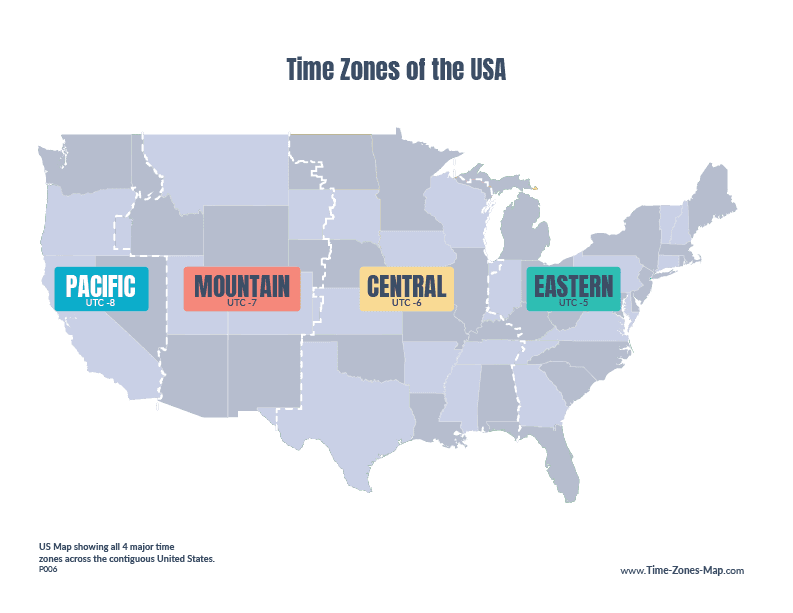
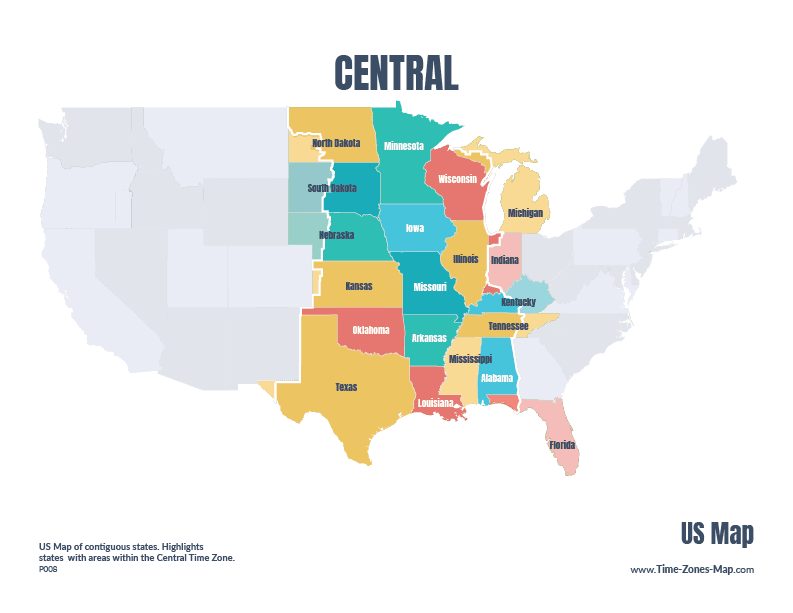
Time zones shown in map above: Hawaii (UTC -10:00), Alaska (UTC-09:00), Pacific (UTC-08:00), Mountain (UTC-07:00), Central (UTC-06:00), Eastern (UTC-05:00). US also has the Samoa (UTC-11:00) and Chamorro (UTC+10:00) timezones but they're not shown above.

US Map Quiz Game
Test your knowledge, brag to friends.
TIME NOW
Just the time, see your current time, copy and share it with others.
TIMERS
Because sometimes, there's no better motivation then a ticking timer.
Military Time
Quick reference for how to tell military time.
US time now
Current times across the US.
New! Find, personalize, and share your time zone map
You asked, we listened! We've made it easier to find cities around the world, keep track of important time zones, and share your map with others.
Find more cities across the US
Looking for US time zone map with cities? You asked for it so we listened! Search now includes locations with populations of 5,000 or more. Find the local time in more cities around the US, from major capitals to smaller hometowns.
Pin locations and give them a name
Working with clients or teammates in different time zones? Pin their locations on the map and give them custom names like "Design Team" or "New York Office." Now it's easier to see who's where and what time it is for everyone.
Share your personalized time zone map
Set up your map just the way you like it. Pin locations, customize names, and choose your favorite view. Then click Share to copy a link that opens the same map for anyone you send it to. Perfect for remote teams, international clients, and anyone coordinating across time zones.
Free Maps & Learning Resources
Explore the United States with free printable maps, time zone guides, and interactive geography quizzes. Great for teachers, students, curious minds, and anyone who loves a good map.

FAQs
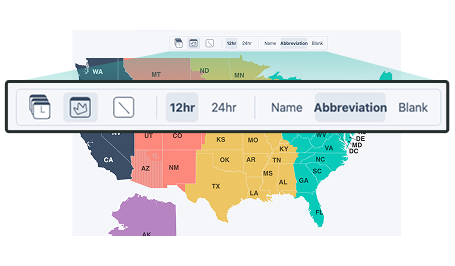
Where did the toolbar that used to be above the map go?
The map settings have been moved under a settings menu on the global nav. If you prefer to have it easily accessible, just click Settings then toggle on Show map settings here and above the map. It can now be there when you need it and removable when you don't
Can I see abbreviations on the map?
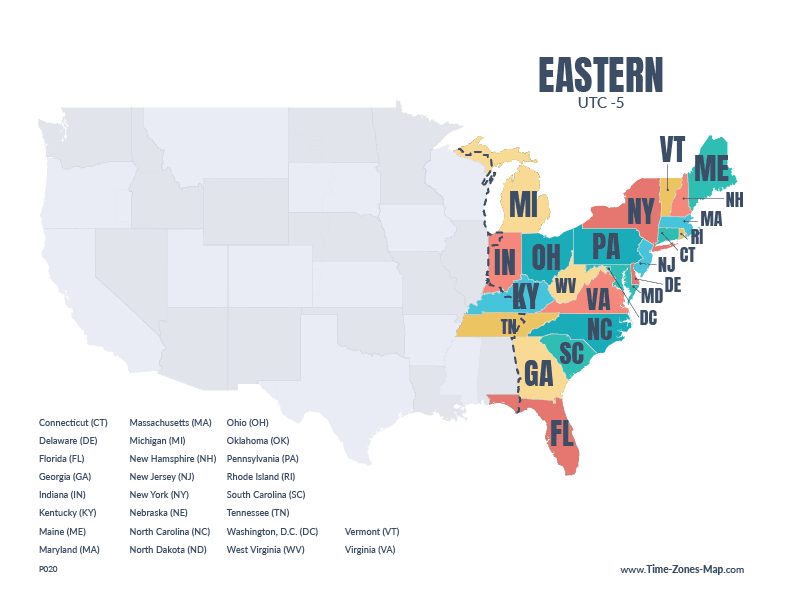
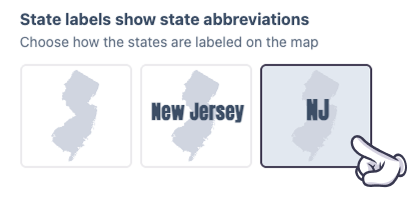
Yes! You can display state abbreviations instead of the full state names. Go to Settings on the top nav (might be under Tools) and look under State labels show state abbreviations. From there, toggle the option for state abbreviations, full state names, or blank map.
Can I see UTC on the map?
Yes! You can display the current UTC time right above the map.
Click Settings on the top nav (might be under Tools), then select UTC under Your time box. The UTC clock will appear to the left of the other time boxes above the map.
Just make sure the time boxes are turned on so you can see it.

How can I see my local time?
You can add your local time above the map too.
Go to Settings on the top nav (might be under Tools) and look under Your time box. From there, choose Local Time, UTC, or a custom time zone.
Your selected clock will appear to the left of the other time boxes above the map. Just make sure the time boxes are turned on.

How many time zones are there?
There are 24 standard hourly time zones around the world, although some regions use half-hour or 45-minute offsets too.
The 48 contiguous U.S. states span four main time zones: Eastern, Central, Mountain, and Pacific.
Alaska and Hawaii use their own time zones, while Puerto Rico and the U.S. Virgin Islands follow Atlantic Standard Time (AST) year-round.
And then there’s Arizona. Arizona gets its own explanation.
What’s up with the Arizona time zone?
Most of Arizona stays on Mountain Standard Time (MST) all year and does not change its clocks for Daylight Saving Time.
The Navajo Nation is the exception and does observe Daylight Saving Time.
That means that during part of the year, most of Arizona has the same clock time as California. It can look like Arizona has switched to Pacific Time, but it hasn’t. It’s still on Mountain Standard Time — the difference comes down to whether Daylight Saving Time is being observed.
On the map above, striped areas indicate regions that do not observe Daylight Saving Time.
What about Puerto Rico, the U.S. Virgin Islands, and other U.S. territories?
Puerto Rico and the U.S. Virgin Islands follow Atlantic Standard Time (AST) year-round and do not observe Daylight Saving Time.
We’d love to add more U.S. territories to the map over time.
A bigger map is the dream. Keep using it, sharing it, and sending feedback so we know what would be most useful to build next.
Do you have a Canada, UK, or world time zone map?
Not yet, but we’d love to.
Building an accurate, interactive world time zone map is a pretty big undertaking, so we want to make sure we’re solving the right problems before we go all-in.
If you’d like a map for Canada, the UK, or the whole world, click Feedback and tell us what you’re trying to do. What would you use the map for? What would make it useful?
You can also leave your email if you’d like to hear about new features.
In the meantime, check out the World Clock. It isn’t a visual map, but it lets you compare the current time across selected cities and regions around the world.
How do I convert time between time zones?
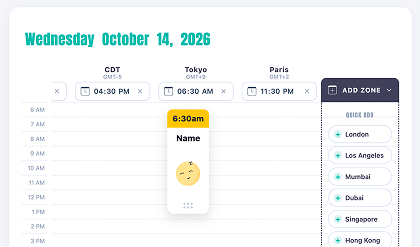
Use the time zone converter to compare times across different parts of the U.S.
Choose the locations you want to compare, then select a time. The other time zones will update automatically so you can quickly see what time it is everywhere else.
It’s especially handy for planning meetings, calls, events, or anything else involving people in more than one time zone.
When does the time change?
In most parts of the U.S. that observe Daylight Saving Time, clocks change twice a year — forward one hour in the spring and back one hour in the fall.
You don’t need to update anything on Time Zones Map. The times shown on the site adjust automatically when Daylight Saving Time begins or ends.
Want to know the exact dates, which states observe it, or why some places don’t change their clocks? Check out our Daylight Saving Time page for more info.

What time is it in military time?
Military time, also known as the 24-hour clock, represents the hours of the day from 00:00 to 23:59.
For example, 1:00 PM in standard 12-hour time is 1300 in military time. You can switch between standard and military time by going to Settings and selecting your preferred time format.
To learn more about it and how to use it, you can use the military time converter or print the military time chart for a quick-reference guide.